Getting Started
This section guides you through the initial steps of using 24Cevent, from account creation to navigating the main panel, providing a holistic understanding to set up your environment incidents.
Creating an Account
Access the 24Cevent website
Click on "Try it now!"
Navigate to the form titled "Activate your free trial!"
Complete the registration form
Fill in all the required field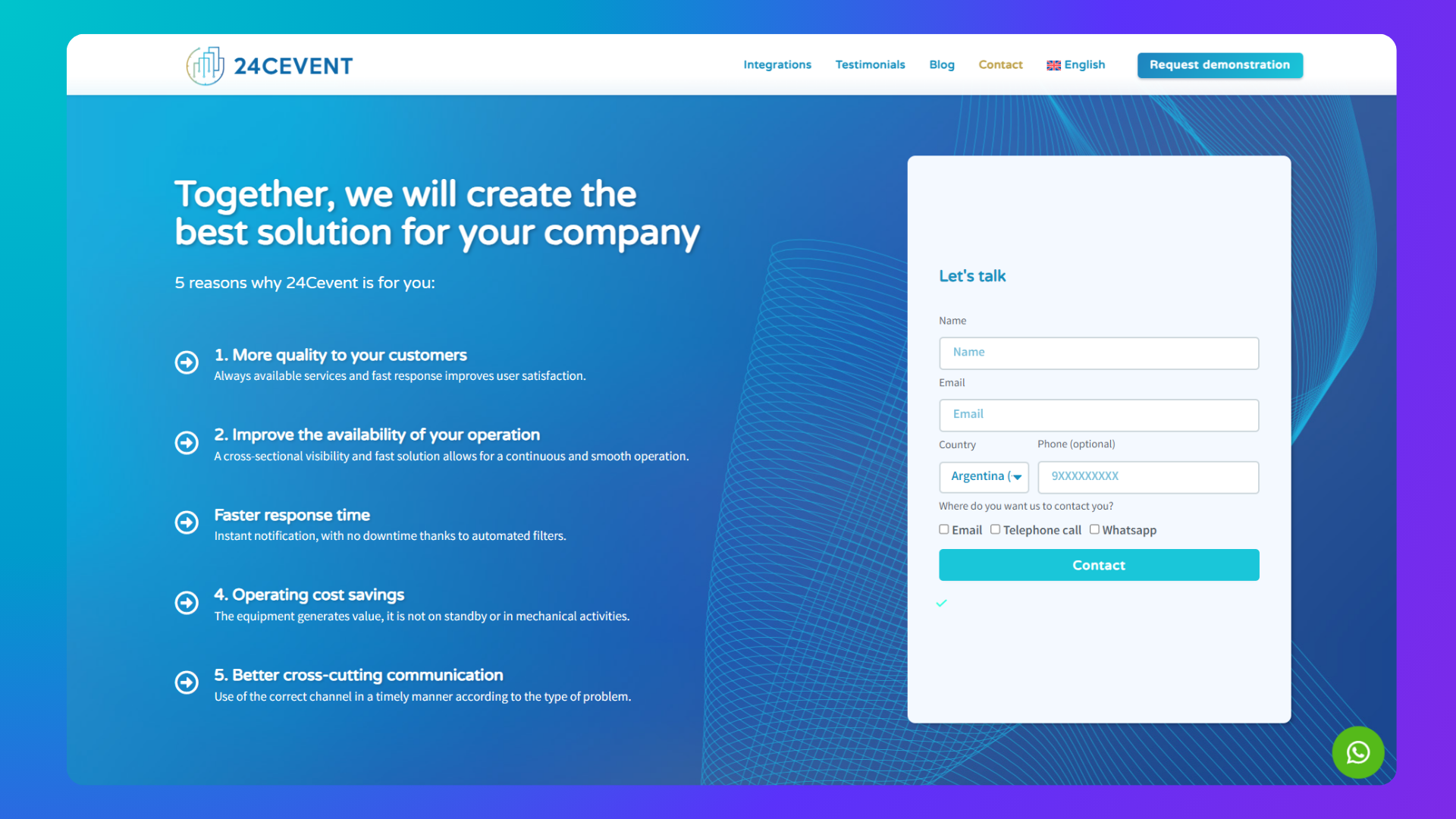
Await Contact and trial Activation
Logging In and Main View
The 24Cevent portal is intuitive and easy to navigate. Upon logging in, the operations panel will display, centralizing all alarms and events.
Access the web portal
Go to 24Cevent Portal
Type in your email and password
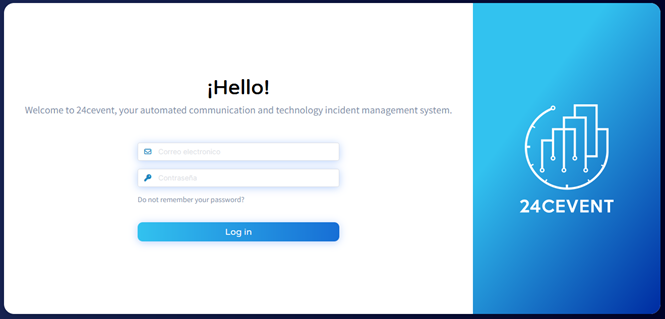
Click "Log In."
Was this helpful?
Still need help? Ask the team